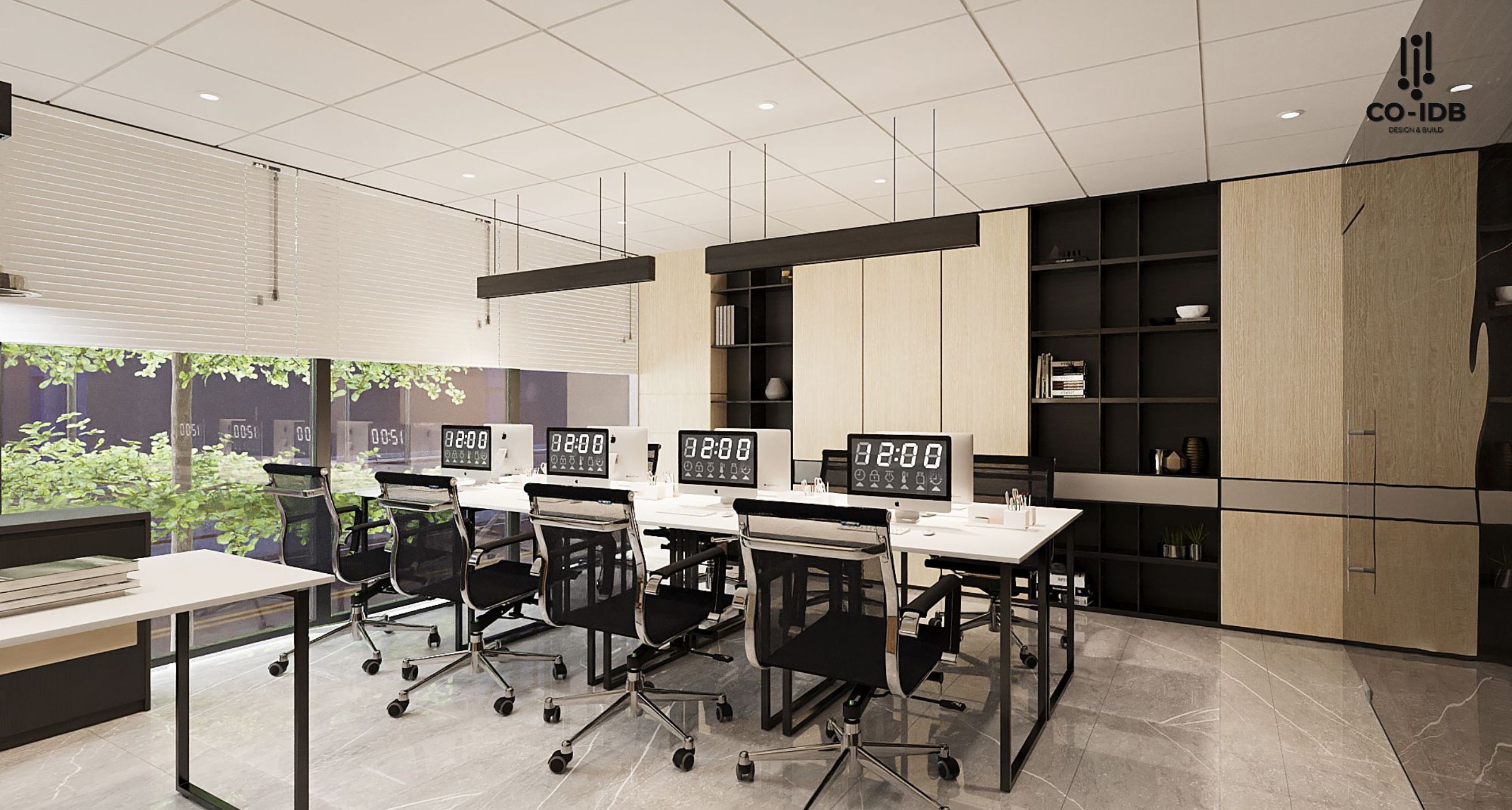
Office interior design drawings are essential tools that not only reflect the designer’s vision but also guide the construction process, ensuring precision and consistency throughout the project. However, many businesses still find it challenging to interpret these documents. Join Co-IDB as we explore the different types of design drawings and how to master them!

Key Categories of Office Interior Design Drawings
Office design documentation typically comprises three primary types: 2D drawings, 3D models, and M&E (Mechanical & Electrical) plans. Each plays a critical role in the lifecycle of a project.
1. 2D Technical Drawings
2D drawings provide detailed information on dimensions and spatial allocation. These include floor plans, elevations, and sections, which help define the exact structure and scale of the office.

2. 3D Visualizations & Renders
3D perspective designs offer a realistic visual of the space. Through rendering and visualization technology, clients can “experience” the office before construction begins, facilitating informed design decisions.

3. M&E (Mechanical & Electrical) Plans
M&E drawings illustrate the office’s “nervous system,” including HVAC (air conditioning), lighting, power, and data networks, ensuring technical elements are seamlessly integrated into the aesthetic design.

Standards and Regulations in Interior Drawings
Standardization ensures consistency and professionalism. Essential elements to verify include:
- Standard drawing scales (e.g., 1:50, 1:100).
- Clear symbols and comprehensive legends.
- Detailed technical specifications.
- Compliance with local building codes and fire safety regulations.
A Beginner’s Guide to Interpreting Design Drawings
Reading an interior layout plan requires basic knowledge of architectural symbols:
Understanding Symbols & Legends
Symbols act as shorthand for materials and structures. Always refer to the Legend to identify:
- Walls: Represented by two parallel solid lines.
- Doors: Indicated by a rectangle or a swing arc.
- Windows: Rectangles with internal hatch lines.
- Columns: Represented by solid squares or circles.
- Dimensions: Numerical notations indicating room size, heights, etc.
- Orientation: A North arrow or compass rose.
Identifying Functional Zones
Once you master the symbols, you can easily distinguish between areas:
- Work Zones: Individual offices, open-plan clusters.
- Communal Zones: Meeting rooms, breakout areas, pantries, restrooms.
- Circulation: Primary and secondary corridors (egress paths).
- Auxiliary Zones: IT server rooms, storage, MEP shafts.

Budgeting and Cost Management via Design Drawings
Drawings are the foundation for Project Cost Estimation. Key factors to consider include:
- Material and furniture costs (linked to Interior Detailing).
- Labor and installation fees.
- M&E equipment and infrastructure systems.
- Project management overheads and contingencies.
Co-IDB utilizes “Value Engineering” to optimize costs without sacrificing design integrity by evaluating material alternatives and pricing benchmarks.
>> See more: How to Select the Right Interior Materials
Post-Implementation: POE & Adjustments
Post-Occupancy Evaluation (POE) provides insights into the design’s real-world performance. This includes employee satisfaction surveys, energy consumption analysis, and air quality audits.
FAQs: Office Design Drawings
How are security solutions integrated into the drawings?
Security is integrated by mapping CCTV camera locations, access control points (biometrics/card readers), and alarm systems directly onto the M&E and layout plans.
How does design adapt to Hybrid Work trends?
Drawings for hybrid offices prioritize flexible unassigned seating and tech-integrated meeting pods for seamless virtual collaboration.
What is the optimal square footage per employee?
In open offices, the standard is usually 6-10m² per person, with an additional 20-30% buffer for circulation and shared amenities.
Which software is standard in Vietnam for office design?
AutoCAD is the industry standard for precision 2D drafting, while SketchUp and Revit are preferred for 3D modeling and BIM coordination.
Mastering these basics allows stakeholders to communicate effectively with contractors and ensure the final workspace meets every expectation. Investing time in detailed drawing reviews builds a solid foundation for long-term corporate success.
> See more: Steps in Office Project Planning