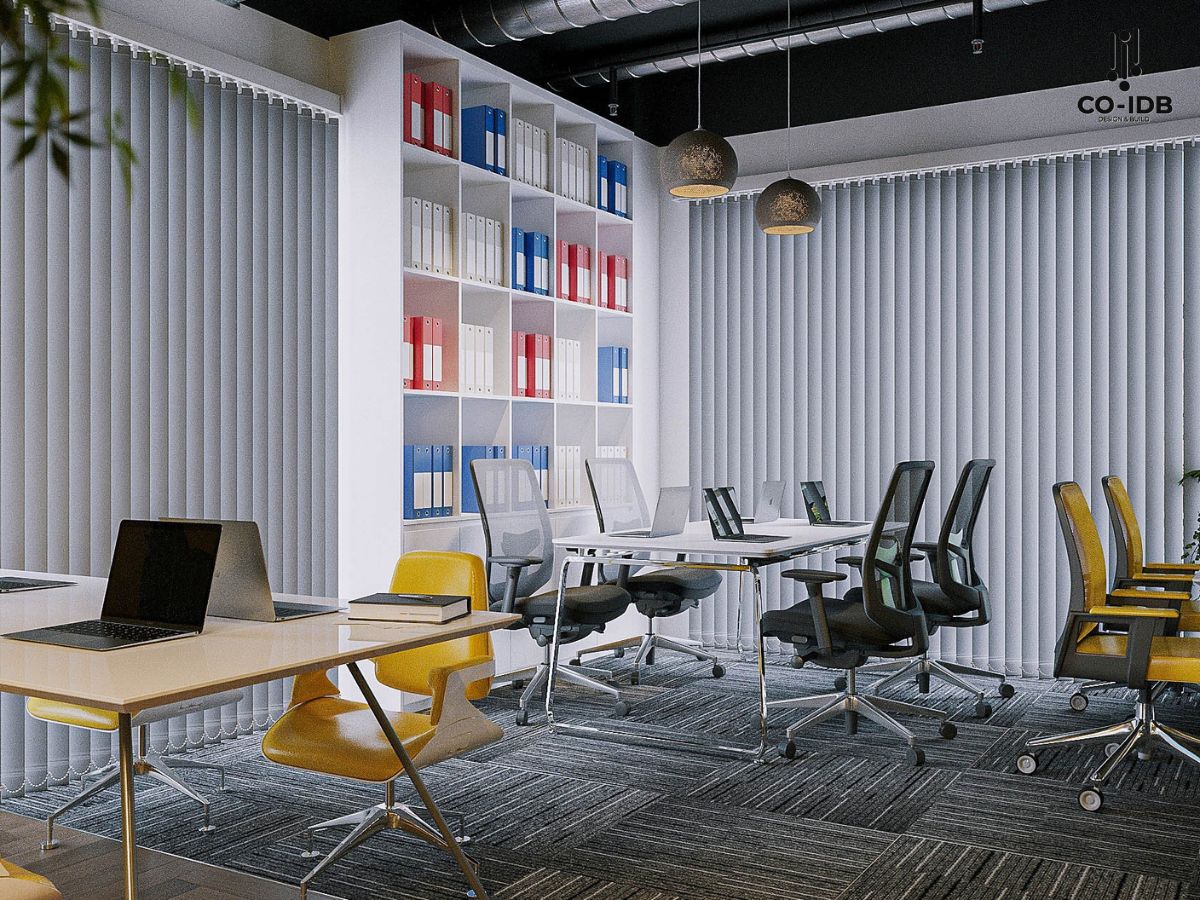
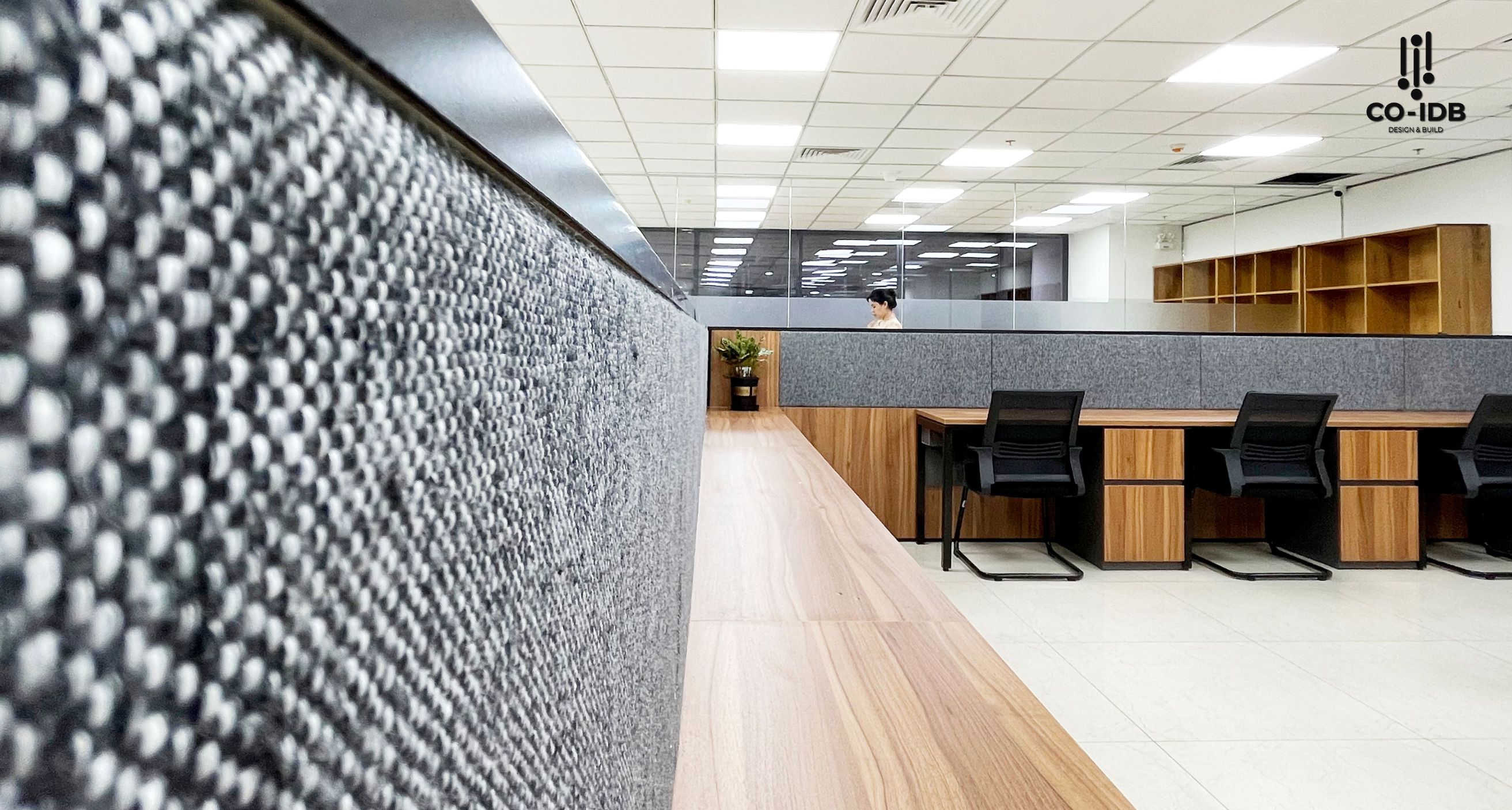
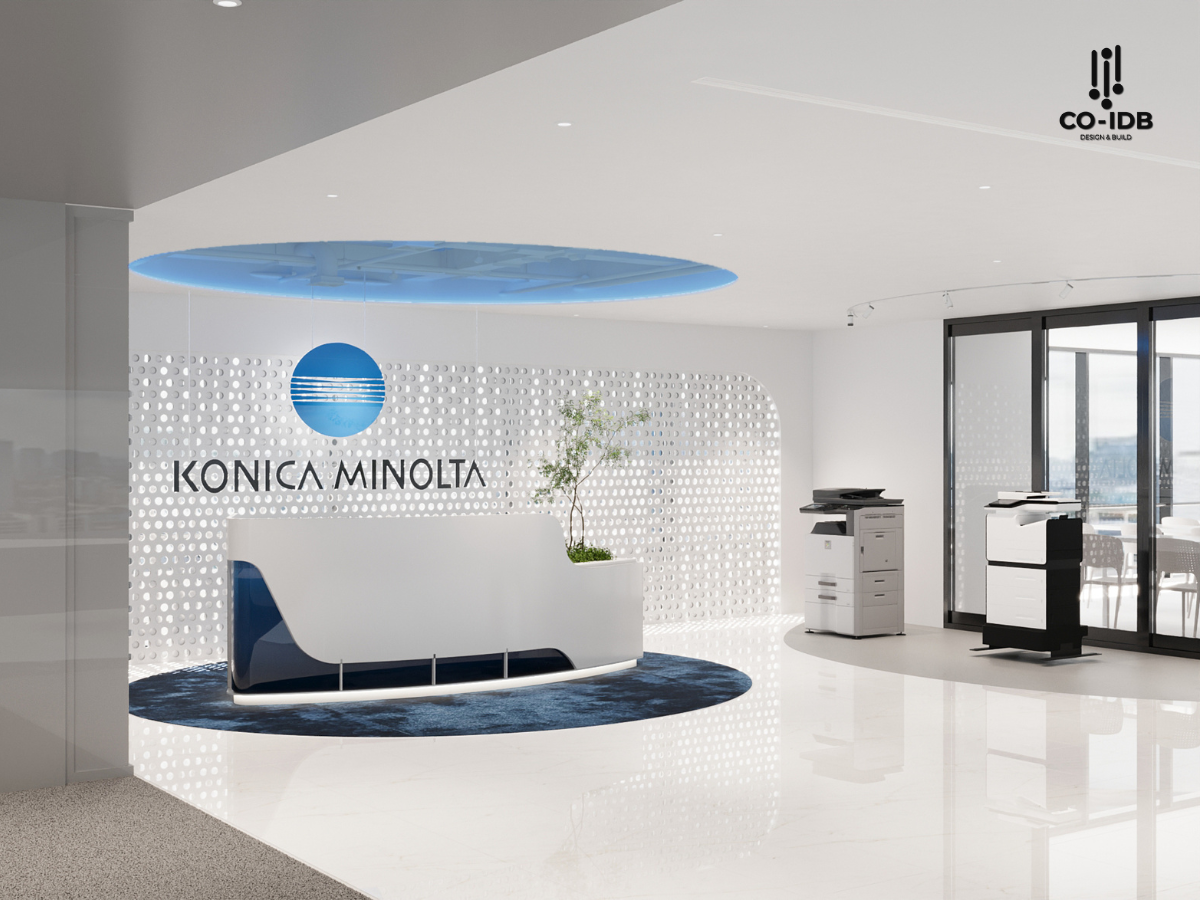
In a modern working environment, equipping your office with the right tools not only optimizes operations but also enhances performance, the employee experience, and the professional image of the business. The following article will help you better understand each group of common equipment and how to arrange them scientifically, conveniently, and cost-effectively.

Classification of Office Equipment and Their Functions
Office equipment can be divided into 3 main groups:
- Office Furniture
- Stationery Supplies
- Electronic Devices & Machinery
Understanding the role of each group helps businesses choose exactly what is needed, avoiding waste or shortages during daily operations.

Essential Office Furniture
Furniture affects not only the aesthetics of the space but also directly impacts health, work efficiency, and the employee experience. Investing in the right furniture from the start helps businesses save on long-term operating costs.
Desks:
Depending on team size, operational characteristics, and brand design style, businesses can choose different desk types and layouts to optimize space and create synchronization.
Common choices often applied by CO-IDB:
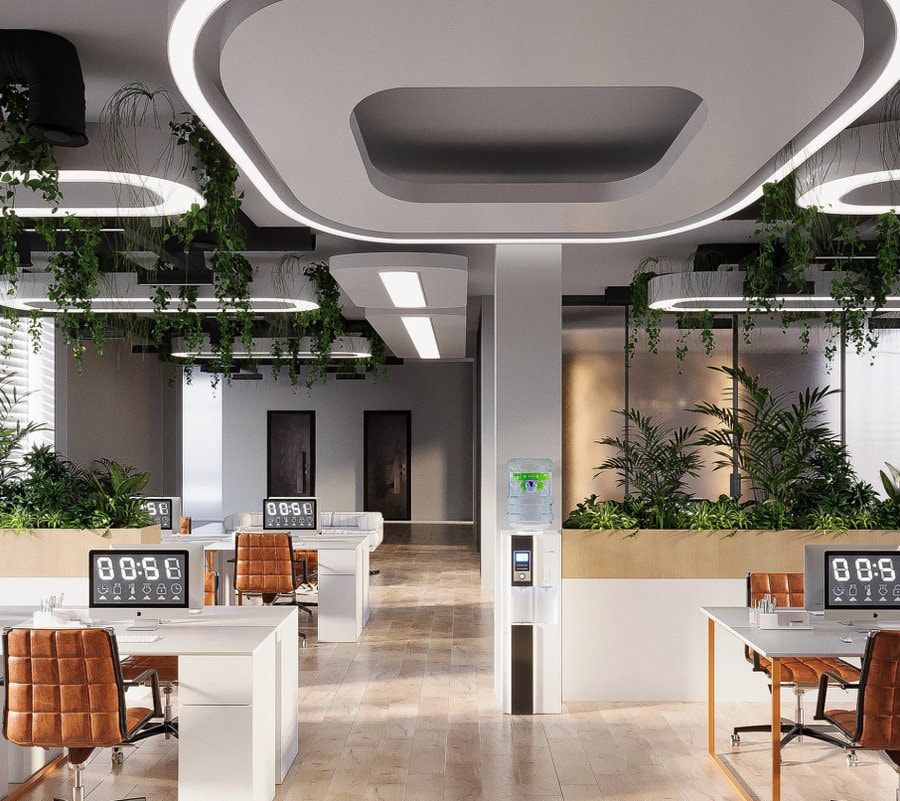
- Cluster Desks (Workstations): Usually grouped for 4, 6, or 8 people, integrating low partitions that allow for connection while maintaining privacy. This type is suitable for open offices, saving space and increasing team interaction.
- Freestanding Desks: Often used for specialized positions like accounting or administration that require high focus, or arranged in separate departmental blocks.
- Desks with Mobile Pedestals/Side Cabinets: Increases storage capacity and makes it easy to change positions during expansion or restructuring.
Regarding dimensions, standard office desk sizes usually range from:
- Length: 1,200–1,600 mm
- Width: 600–800 mm
- Height: ~750 mm (suitable for standard ergonomic heights)
Layout tips from CO-IDB:
For medium to large offices, desks should be clustered by team combined with a minimum aisle width of 1,000 mm to ensure smooth movement and clear sightlines. Additionally, combining these with low-back document cabinets helps both partition the space and increase storage efficiency.
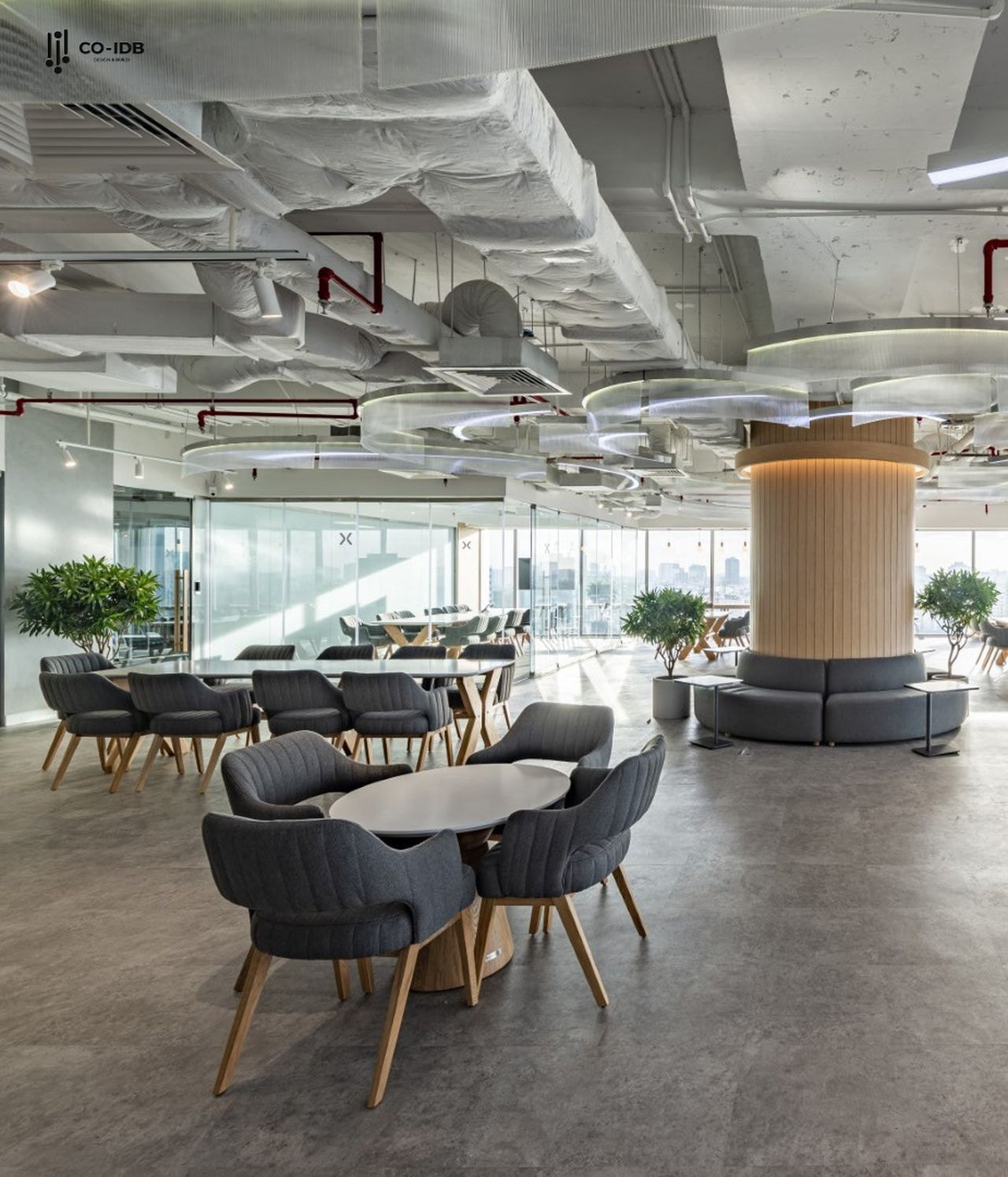
Office Chairs
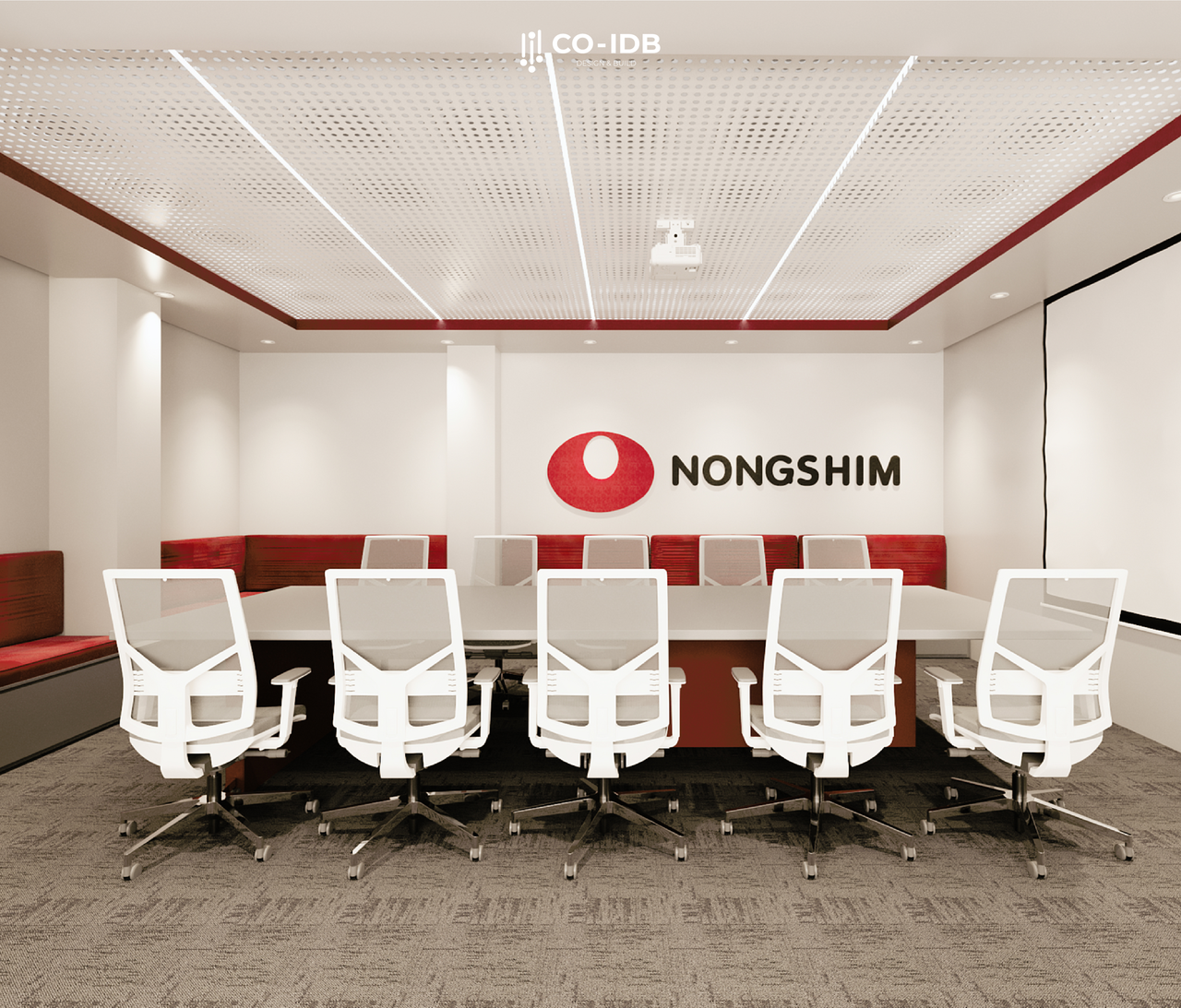
The chair is the piece of furniture employees spend the most hours with every day; therefore, choosing the right chair affects not only health but also work performance.
The top priority is ergonomic chairs—supporting the spine, neck, and arms with adjustable height, tilt, and armrests to fit every body type. Chairs should have breathable mesh backs, comfortable cushions, and flexible swivel bases.
CO‑IDB Recommends:
- For long hours of fixed work: use chairs with mid or high backs for maximum lumbar support.
- For flexible spaces or meeting rooms: choose compact, armless, or stackable chairs to save space.
Layout tips from CO‑IDB:
Always leave a minimum gap of 600 mm behind the seat and 1,000 mm for main aisles to ensure comfort and safety. Additionally, choosing neutral colors that coordinate with the desks and overall space creates high aesthetic synchronization.
Filing Cabinets & Storage Shelves
Filing cabinets are important assistants in maintaining neatness and efficient document classification. Proper placement reduces clutter and optimizes workspace, especially in offices with limited area.
CO‑IDB usually proposes 3 main groups:
- Low Cabinets (Desk height): used to partition open spaces while providing storage.
- Tall Ceiling-High Cabinets: optimizes vertical space, suitable for central storage areas.
- Open Shelves: suitable for frequently used documents for easy access.
Layout tips from CO‑IDB:
Take advantage of empty wall spaces at the end of corridors, the back of partitions, or combine cabinets with L-shaped desks to increase storage without taking up extra floor space. Always place cabinets/shelves in areas with clear paths, avoiding blocking natural light.

Office Lighting
Light directly affects concentration, vision, and employee mood. Therefore, lighting systems must be designed to standard—sufficiently bright, even in color, and glare-free.
CO‑IDB prioritizes using:
- Recessed LED lights / Panel lights: for uniform lighting and energy efficiency.
- Desk lamps / soft corner lights: supplemental for individual work areas or meeting rooms.
- Neutral light (4000K): easy on the eyes, suitable for long-term working environments.
Layout tips from CO‑IDB:
Maximize natural light by placing desks near windows and using thin blinds to regulate brightness. Avoid installing lights that shine directly onto computer screens or users’ faces to prevent eye strain. If a room has no windows, use lights with a high Color Rendering Index (CRI) to simulate natural light.
Must-Have Stationery Supplies
Stationery items are small but essential in every workflow. Lack of preparation here can hinder document processing progress. Essential items include:
- A4, A5 paper, sticky notes, letterheads
- Ballpoint pens, pencils, highlighters, whiteboard markers
- Notebooks, memo pads, desk calendars
- Paper clips, staplers, staples, staple removers
- Folders, lever arch files, A4 plastic sleeves, clipboards
- Rulers, scissors, utility knives
- Glue, clear tape, double-sided tape
- Hole punchers, mini shredders (for small offices)
- Labels, index dividers, page tabs
- Paper trays and document organizers.

Essential Electronic Equipment for the Office
Electronic equipment is the “backbone” that keeps a business running smoothly and connected. Choosing the right device with the appropriate capacity for your scale is key.
- Desktops / Office Laptops
Work computers can be desktops or laptops depending on the user’s needs. Match the job nature: HR/Admin – basic laptops; Designers – high configuration, external monitors; Accountants – separate numeric keypads… - Printers – Photocopiers – Scanners
Choose multi-function models that are ink-efficient and network-connected for shared use. Small offices can use 3-in-1 printers; larger ones need dedicated machines for each function to ensure speed. - Time Attendance Machines & QR Scanners
Used for access control and managing working hours. Some use fingerprint scanners, others use RFID cards or integrated phone apps. - Network Infrastructure (Routers, Switches, Sockets)
Internet infrastructure is indispensable. It should be designed for in-wall or in-floor installation with backup systems to avoid interruptions. - Online – Hybrid Meeting Equipment
Includes: High-definition cameras, omnidirectional microphones, conference speakers, and display screens. These should be fixed in meeting rooms with wireless connection integration.

Smart Layout Tips for Different Zones
Arranging equipment is not just about looks; it affects convenience, safety, and efficiency. Each area of the office has different needs.
Individual & Team Work Areas
This is the largest area where the main activities happen:
- Desk Space: Use monitor stands or arms to free up desk surface and improve ergonomics.
- Cable Management: In-desk sockets and cable trays keep desks clean and safe.
- Flexible Storage: Mobile pedestals help store personal items without taking up fixed space.
- Cluster Layout: For teams, use modules to share common devices like mini-printers or USB hubs.

Meeting Rooms
Requires both professional image and high functionality:
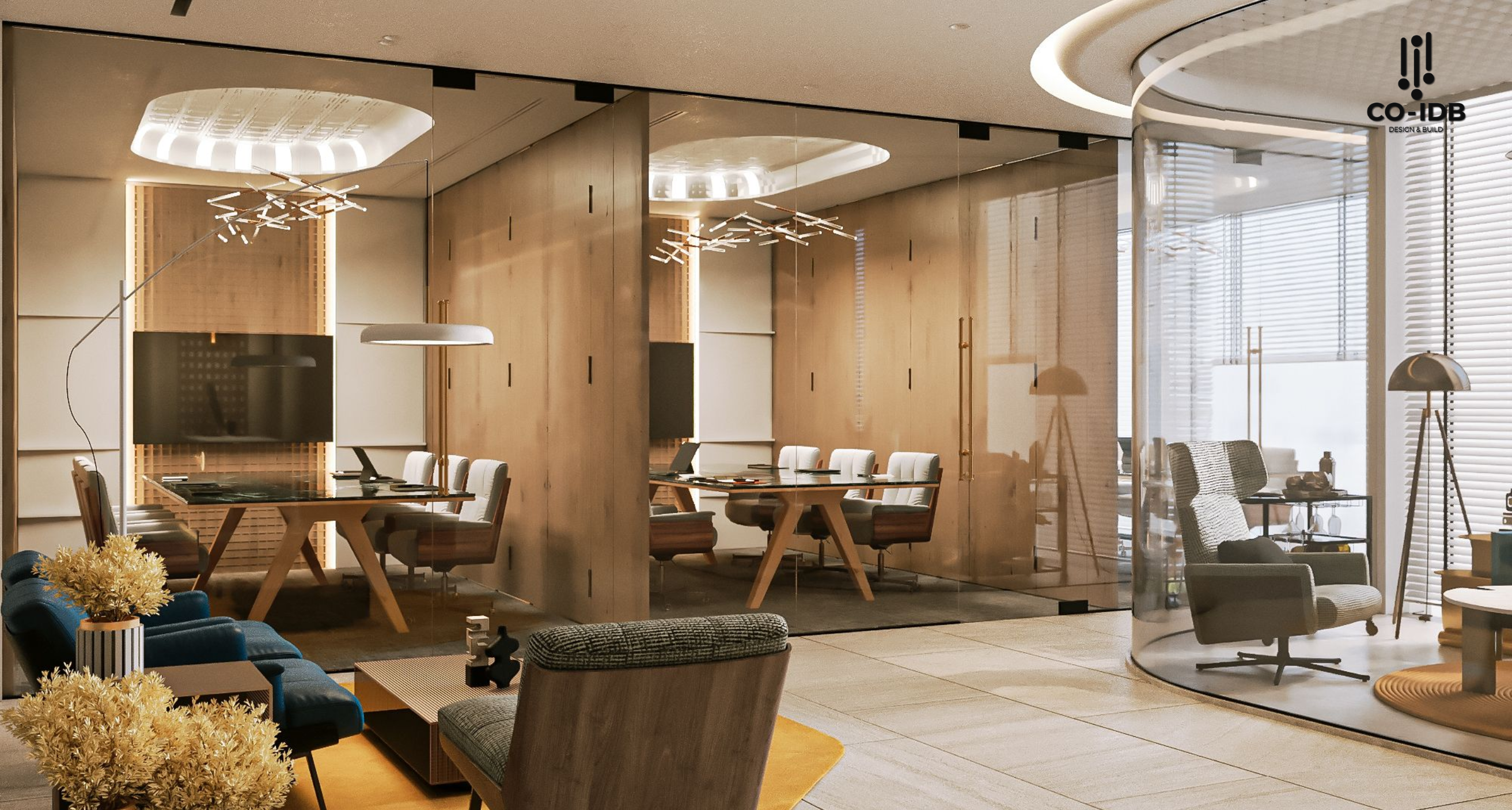
- Fixed Display: Prioritize wall-mounted TVs or fixed-frame projectors.
- In-ceiling AV: Cameras, mics, and speakers should be hardwired or ceiling-mounted for a clean look.
- Floor/Desk Sockets: Support laptop connections and charging without messy extension cords.
Reception / Guest Area
The first impression for clients; should be minimalist but functional:
- Compact Tech: All-in-one PCs or slim laptops keep the reception desk modern.
- Welcome Screens: LCD screens behind reception can display brand info or visitor announcements.
Pantry / Relaxation Area
Needs to be neat, easy to use, and safe:
- Integrated Appliances: Coffee makers, microwaves, and fridges should be built into tall cabinets.
- Safe Sockets: Dedicated circuits for high-power appliances to prevent fire hazards.
Storage / Document Archiving
Requires organization, safety, and easy retrieval:
- Fireproof Cabinets: For critical or confidential long-term storage.
- Clear Labeling: A logical system saves time during search and retrieval.
Common Mistakes When Choosing Equipment
- Buying Based on Feeling, Not Real Needs: Purchasing trends instead of surveying specific departmental requirements.
- Ignoring Space Constraints: Modern equipment that doesn’t fit the office scale causes clutter and blocks traffic.
- Fragmented Purchasing: Buying items piece-by-piece leads to a lack of design consistency and difficult maintenance.
- Prioritizing Low Price Over Durability: Cheap products break down faster, interrupting work and increasing replacement costs.
Design Samples with Essential Equipment
- Project Name: Hạnh Nguyên Logistics
- Scale: 1100m2

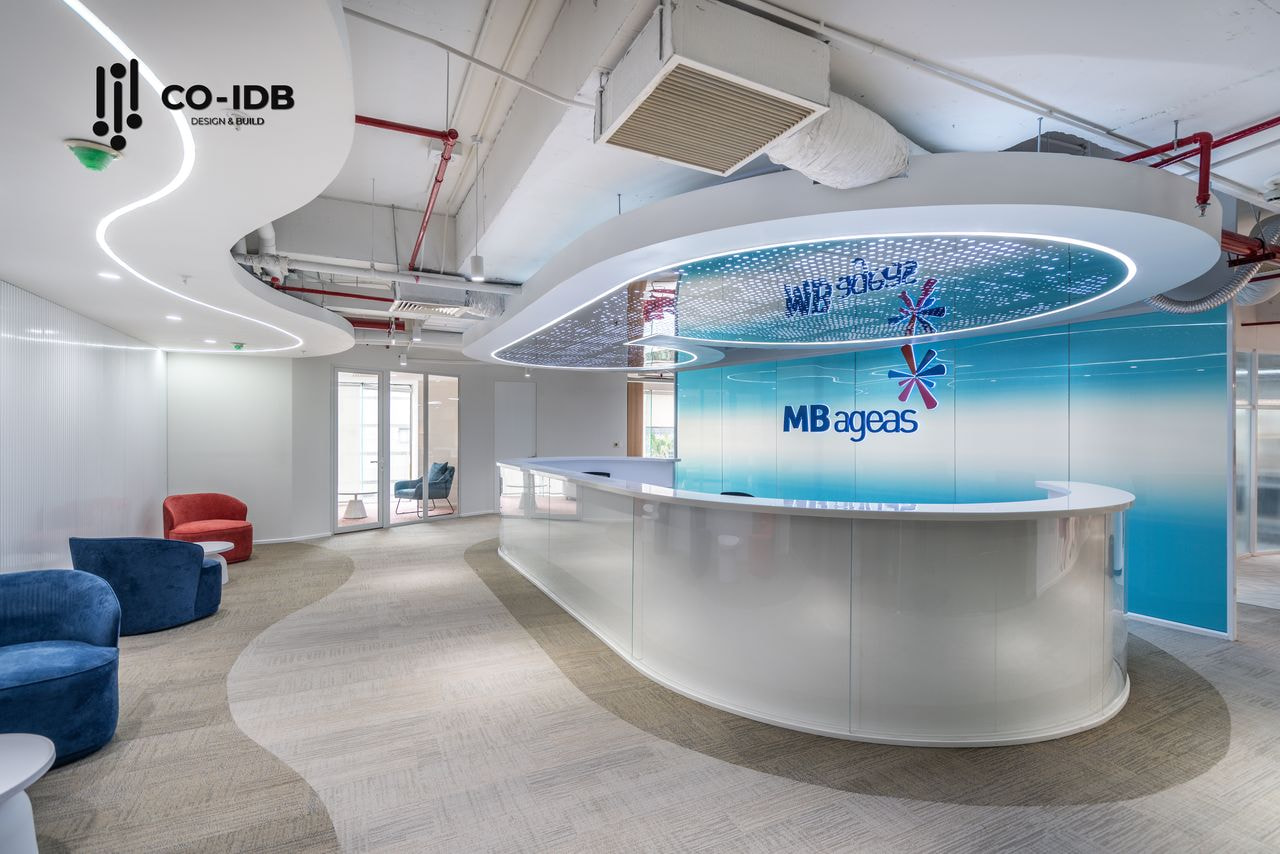
- Project Name: MB Ageas Life
- Scale: 650m2
CO-IDB – Your Partner in Designing and Optimizing Office Spaces
With years of experience in office interior design, CO-IDB not only creates aesthetic, modern workspaces but also solves functional, cost, and operational efficiency challenges optimally.
We bring distinct value through:
- Detailed Survey & Analysis: Assessing real needs to propose equipment suitable for business goals.
- Synchronous & Scientific Design: Harmonizing space, furniture, and equipment for aesthetics and productivity.
- Budget Optimization: Advising on reputable, durable brands to minimize long-term maintenance costs.
CO-IDB is committed to delivering a beautiful, convenient, and effective office that elevates your brand image and work experience.
>> See more: